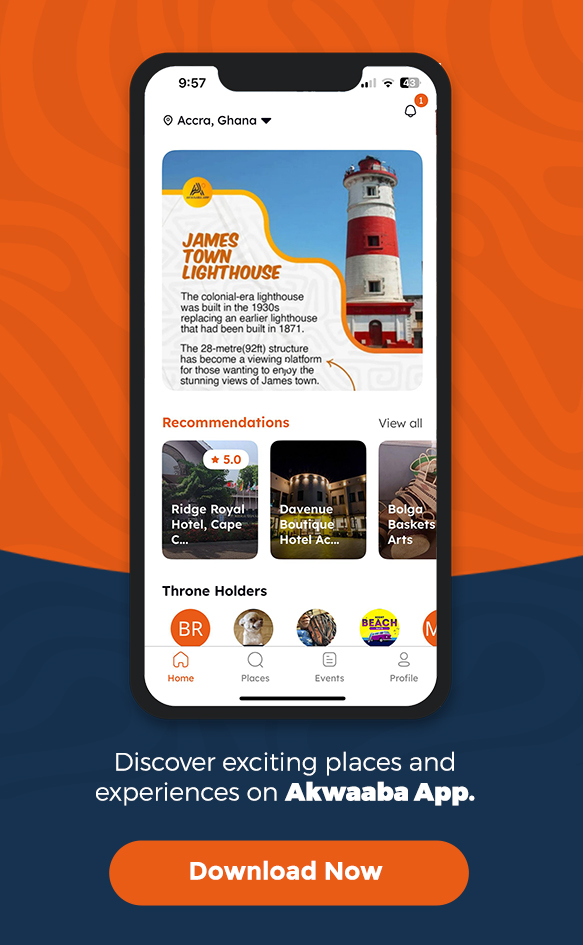
Welcome to the Akwaaba App How-To Guide
The Akwaaba App is your ultimate companion for exploring Ghana, offering a seamless experience to discover events, connect with businesses, and earn rewards. This guide provides step-by-step instructions to help you navigate and utilize the app’s features effectively.
1. Quick & Easy Sign-Up
Getting started with the Akwaaba App is simple:
- Download the App: Visit the App Store or Google Play Store and search for “Akwaaba App.”
- Create an Account: Open the app and follow the on-screen instructions to sign up using your email or social media accounts.
2. How to add your business on Akwaaba app
Want more visibility for your business? Here’s how to list your business on Akwaaba App:
- Go to “Akwaaba for Business” in your profile.
- Tap “Add Business” and enter details like name, location, and contact info.
- Upload Images & Services to showcase your offerings.
- Submit for Review and get verified!
3. Adding Your Event
To promote your event on the Akwaaba App:
- Access Your Profile: Tap on the profile tab within the app.
- Select Your Business: Choose the business profile associated with the event.
- Add Event Details: Tap on “Event” and enter the necessary information, including date, time, location, and description.
For a step-by-step guide, watch:
4. Clocking In
Enhance your experience by clocking in at various locations:
- Enable Location Services: Ensure your device’s location services are turned on.
- Clock In: Within the app, navigate to the desired location and tap the “Clock In” button to register your visit.
Learn more about clocking in:
For a step-by-step guide, watch:
5. Earning Referral Points
Share the Akwaaba App with friends and earn rewards:
- Share Your Referral Code: Find your unique referral code in the app and share it with others.
- Earn Points: When someone signs up using your code, you’ll receive referral points that can be redeemed for rewards.
Discover how to maximize your referrals:
For a step-by-step guide, watch: